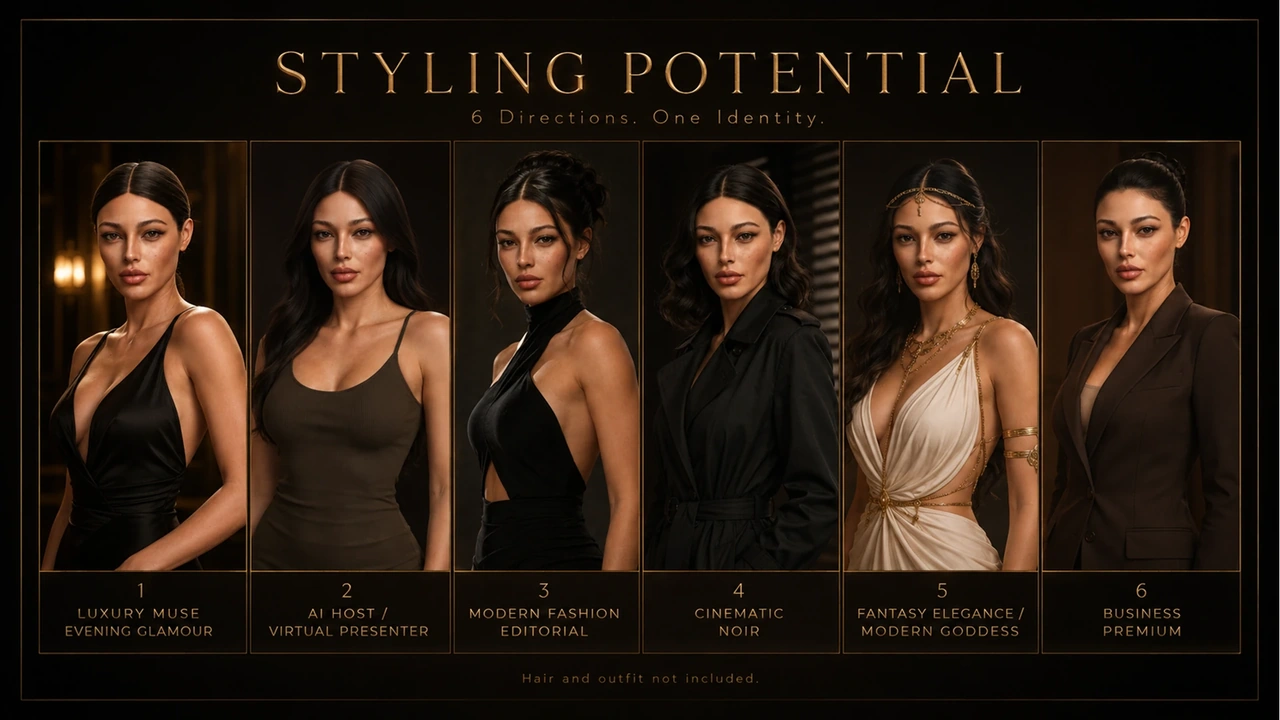
The difference between a convincing digital human in close-up and a plastic mannequin almost always comes down to two things: silhouette fidelity at the bone level and micro-surface fidelity in the skin shader. When a high-resolution sculpt moves across CC4/CC5, ZBrush and Blender, UV borders and channel conventions can silently degrade that detail.
1. UDIM Layout Discipline & Texel Balance
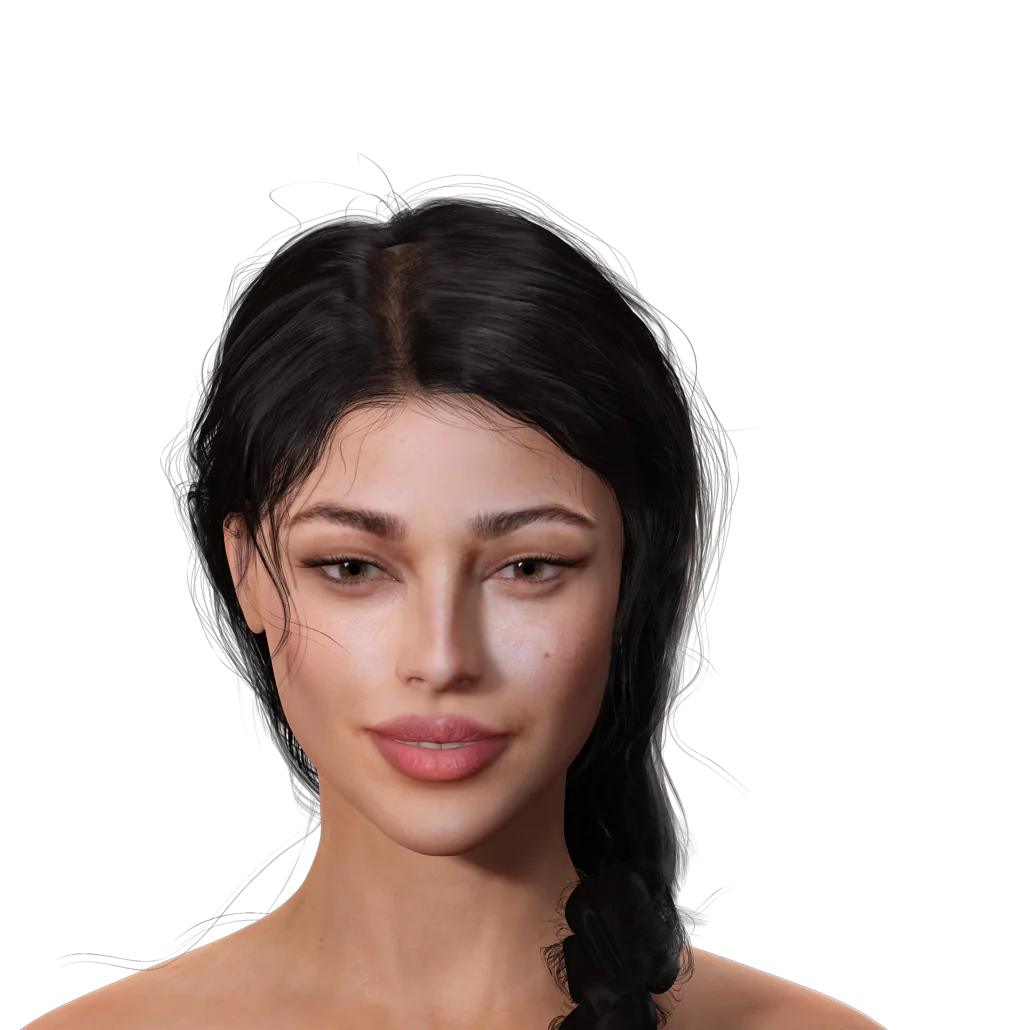
Standard real-time figures benefit from separating the head, torso, arms and legs onto distinct texture sets (UDIMs) rather than cramming every square centimeter into one map. Keeping the face, eyelids, lips and nasolabial fold on a dedicated high-texel UV tile prevents mipmap shimmer in close-up camera cuts.
- Keep UV seams off silhouette inflection points: Hide seams along the natural hairline, collar line and inner sleeves rather than across the jaw or neck.
- Consistent padding margin: Always bake with sufficient pixel dilation (16px at 4K or proportional) so lower MIP levels never bleed black borders into bright subsurface zones.

2. Solving the Blender Cycles Bake "Blockout Seam"
When baking displacement or micro-cavity maps directly from a high-poly sculpt inside Blender Cycles onto a deformable cage mesh, ray-miss spikes around nostrils, lips and ear folds are usually caused by ray distance exceeding the tight inner cavity spacing or by unsynchronized modifier subdivisions.
Bake Discipline Checklist (3D Character Pro)
- Align Smooth / Split Normals before cage extrusion
- Set Extrusion tight around lips, nostrils & inner eyelids (use custom cage when needed)
- Normal Map Space: Verify OpenGL (+Y for Blender/Unity) vs DirectX (-Y for UE5)
- Never bake sRGB/Color-managed scalar maps: keep Normal, Roughness, Cavity strictly Non-Color
3. Roughness Breakup Beats Heavy Normal Maps
A common trap in portrait rendering is dialing up bump or normal strength to compensate for flat lighting. Over-driven normals create harsh grey pitting under rim lights. Instead, natural skin reads alive when micro-roughness varies between oil-prone areas (T-zone, eyelids, philtrum) and drier matte zones (cheeks, temples), supported by clean subsurface scattering radius control.
Watch Amara’s Official Character Showcase
3D MotionAmara — CC5 Realistic Character Showcase · Watch on YouTube ↗
When Should You Scope a Custom Engine Export?
If your project stays inside Reallusion Character Creator and iClone, native UDIM shaders and expression profiles work immediately out of the box. If you are integrating characters into Unreal Engine 5, Unity, Cinema 4D + OctaneRender or a custom Blender scene, we confirm exact texture channel packing and normal conventions by email upfront before sculpting begins.